Team and player records
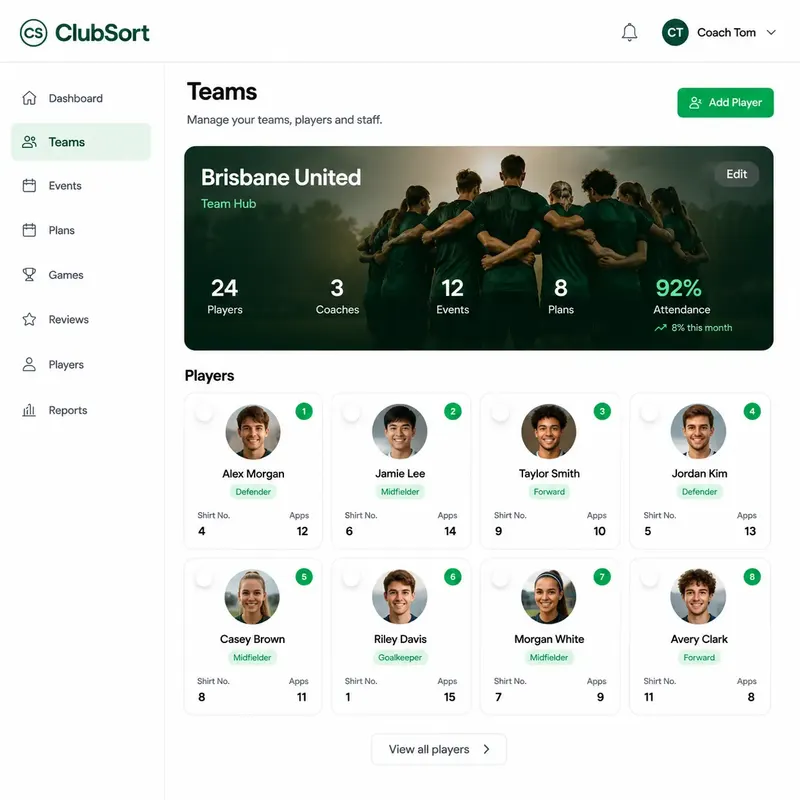
Maintain team rosters, player profiles and coach assignments. Team records make it easier to see who is involved and which players belong to each team.

A closer look at the tools ClubSort gives coaches and club leaders to understand activity, support coaching and develop players.
ClubSort connects team and player records with coach activity, training attendance and game participation. Club leaders can see what is happening across teams, coaches and players, with tracked-game detail available where Game Tracker is used.
Maintain team rosters, player profiles and coach assignments. Team records make it easier to see who is involved and which players belong to each team.
Schedule training events, record attendance responses and review participation for a team or player.
Record game attendance, or use Game Tracker for starts, playing time and match actions when your club tracks a game.
View team and player activity alongside coach and event records to understand how coaching work is happening across the club.
Give coaches practical tools to plan a session, reuse club resources, organise training and manage games—from preparation through to the final whistle.
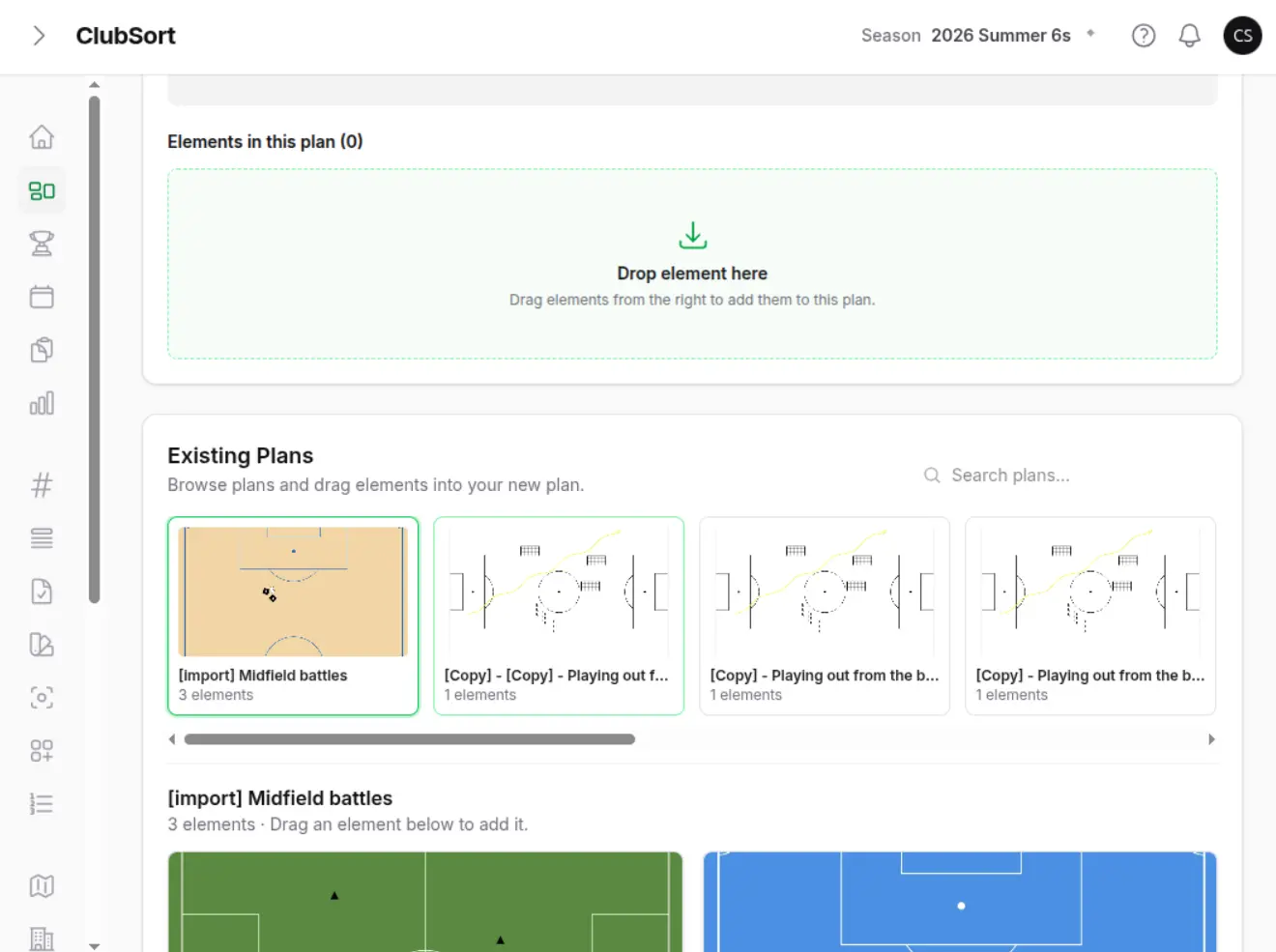
Build a session in the Canvas/Plan Editor by adding, arranging and editing visual activities. Review the activity order and duration before using the Plan.
Reuse saved Plans and activities. Keep a Plan private or share approved Plans with eligible coaches across the club.
Create team Events, record attendance and coordinate team allocations across configured spaces, schedules and training areas.
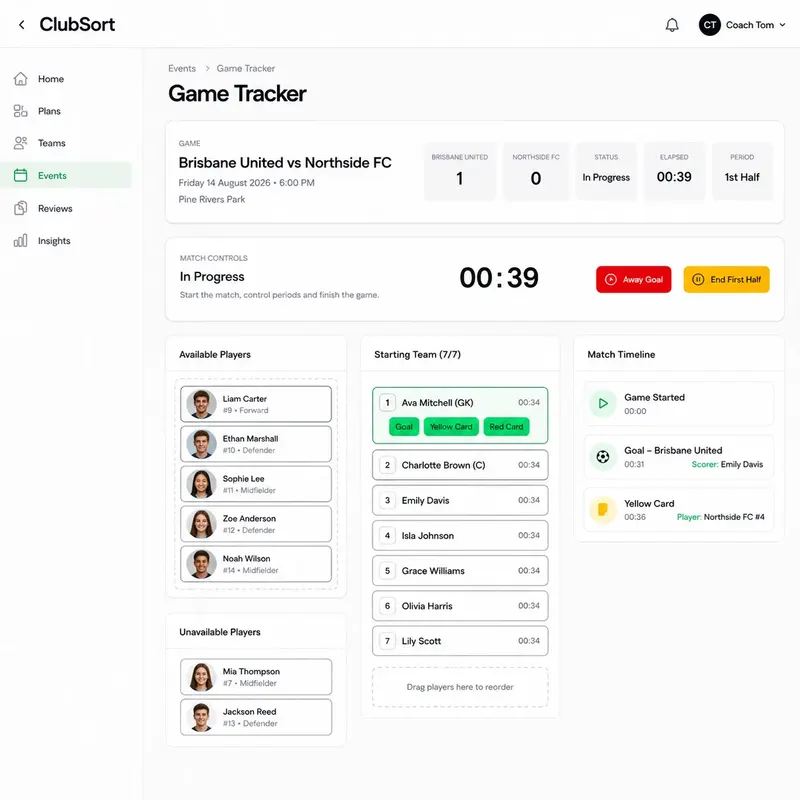
Prepare the squad, move players between the field and bench, then track the clock, goals, substitutions, cards and notes during a game.
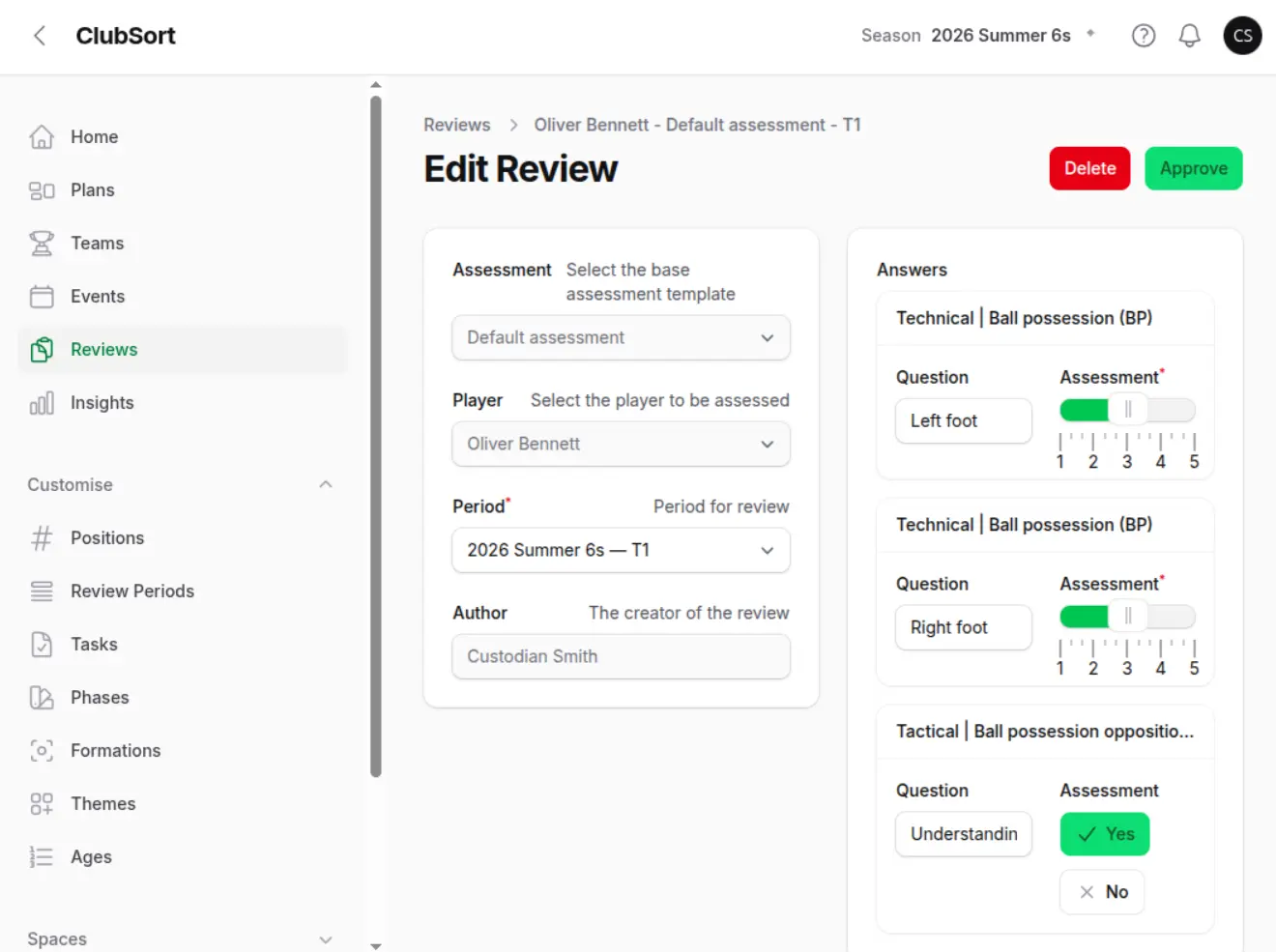
Use assessment templates, review workflows and club-defined development frameworks to give feedback structure. Consider that feedback alongside a player's participation and review history.
Create reusable Assessment templates with questions grouped by category and theme. Questions can use a 1–5 selector, Yes/No response or written comment.
Coaches complete and submit Reviews; Directors or Custodians can approve or return them. An approved Review is released for the Player to see.
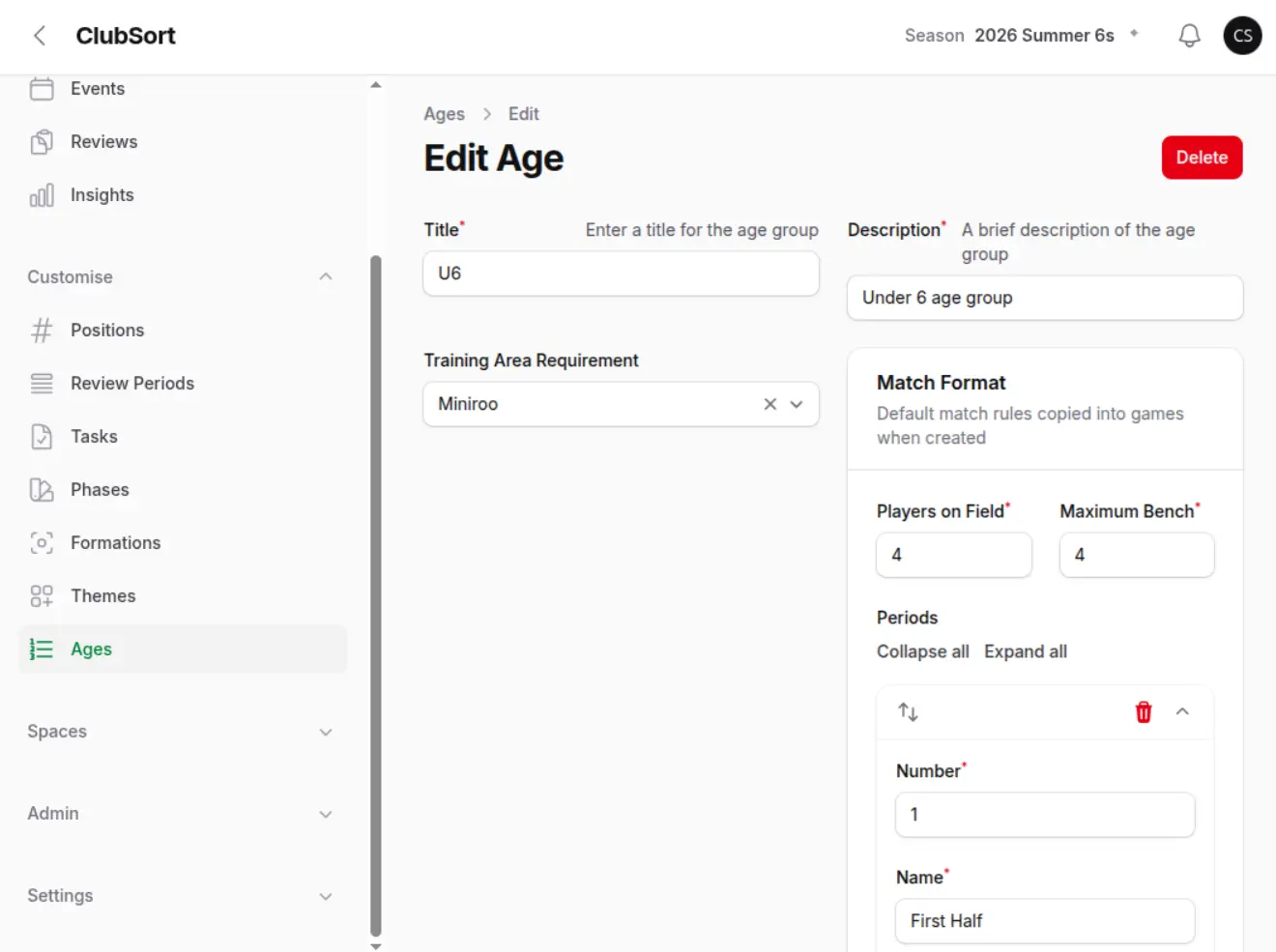
Configure development Age Groups, Phases and Themes to reflect your club's approach. Development Programs can organise Plans into ordered weeks.
Review training attendance and tracked-game starts and minutes alongside a player's feedback. Game attendance can also be recorded without Game Tracker.
Review previous answers and completed Reviews as part of the player's history. Development trends use assessment scores when enough Review data is available.
Coaching Visibility shows activity across teams, coaches and players. Club Visibility helps leaders interpret those records, spot where club standards are not being met and decide what needs attention.
Generate Player, Team or Club Insights, choose available filters and review summaries based on the records in that scope.
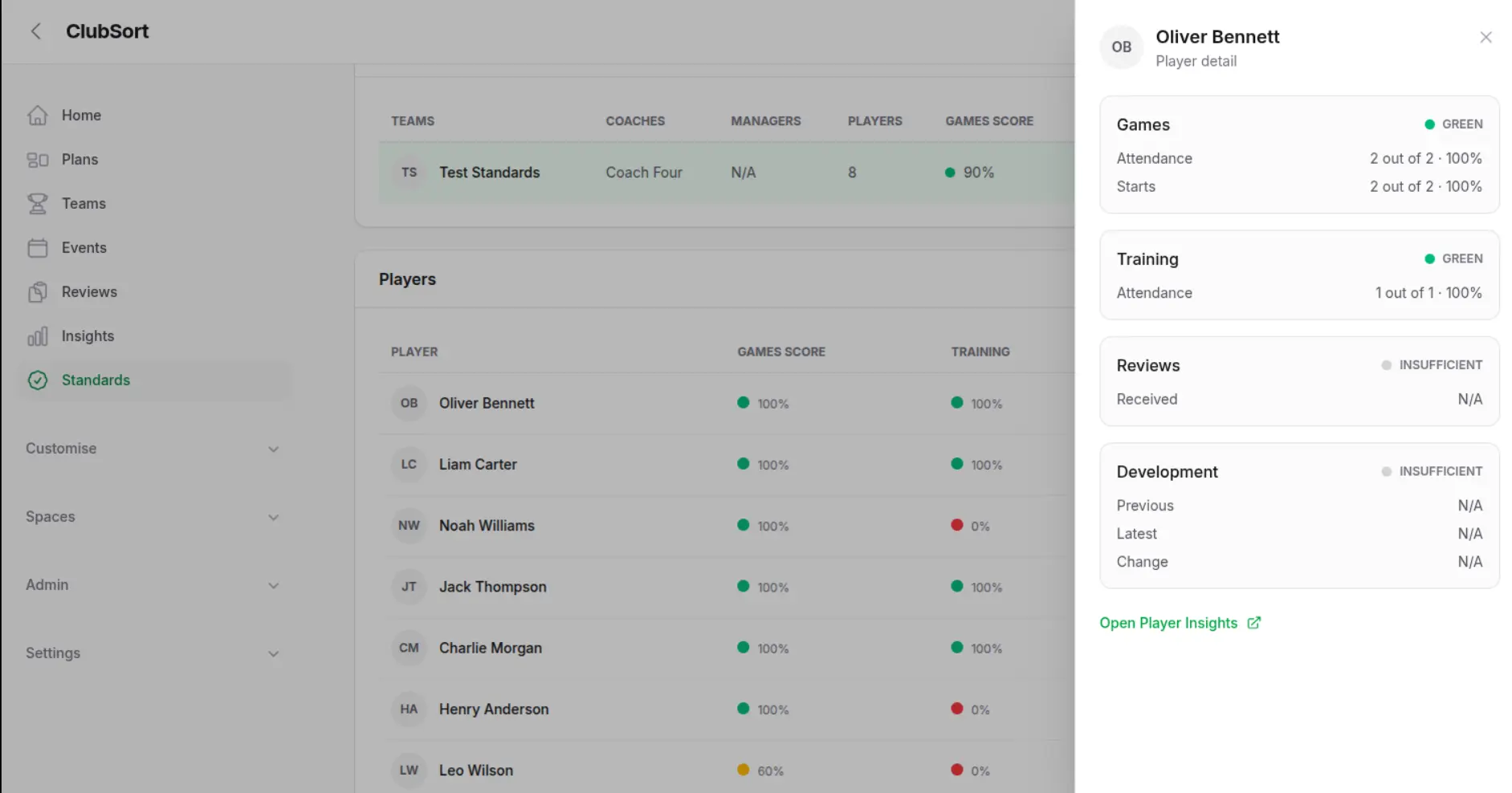
Use the Standards page to review a selected Season's games participation, training attendance, Reviews received and development trends against club-configured thresholds.
Open a Player's supporting attendance, starts, Reviews and development change, or continue to Player Insights for wider statistics.
Use green, amber and red status indicators to see where standards are being met or need attention. Compare Reviews received with the Club's expectations for the period; insufficient data is shown separately.
Use notifications about Plan approvals, Review decisions and released Reviews to return to related records and continue the next step.
Explore the plan that fits your club, or return to the overview to see how ClubSort connects the bigger picture.