ClubSort Help

Assessments and Reviews

An Assessment is a reusable template. A Review is a completed Assessment for a Player. Reviews use one of four optional terms: T1, T2, T3 and T4. These are terms, not quarters, and a Club does not have to use all four.

Understand Assessments and Reviews

Create and publish an Assessment before a Coach can use it to create a Review. A Review moves through a separate workflow:

  1. A Coach completes and submits the Review.
  2. A Director or Custodian reviews it.
  3. They choose Approve or Return for changes.
  4. After approval, a Coach, Director or Custodian can release the Review.
  5. The Player sees the Review once it is released.

Create a Review for a Player

Who can do this?

Coaches and authorised Club leaders.

Before you start

An Assessment must be published and the Player must be in your accessible Team or Club context.

How to do it

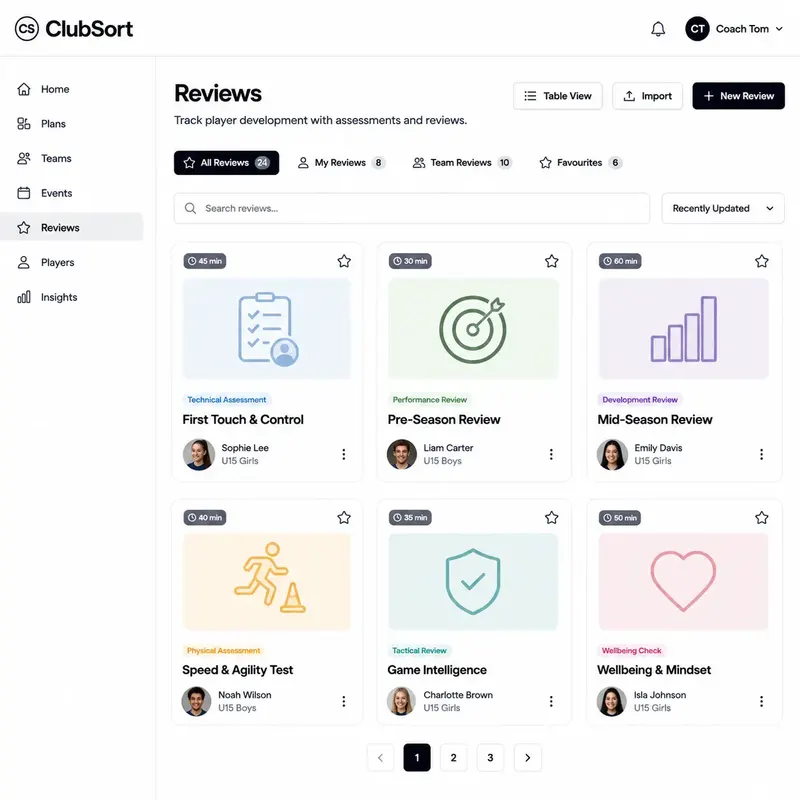
  1. Open Reviews.
  2. Select Create Review.
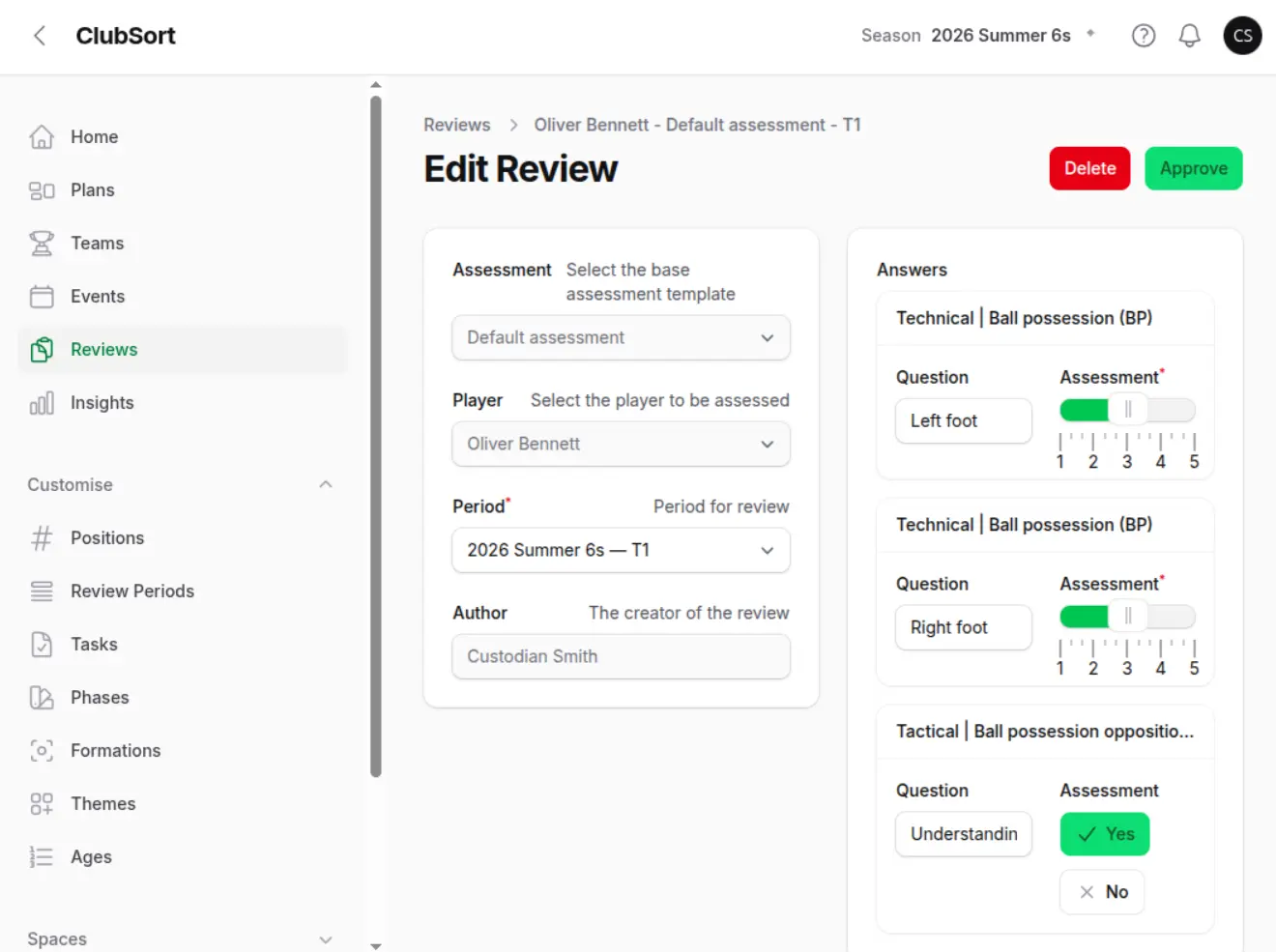
  3. Choose the Player.
  4. Choose the published Assessment.
  5. Select the optional term: T1, T2, T3 or T4, where your Club uses terms.
  6. Complete the questions.
  7. Save the Review.
  8. The Review remains in its editable state until the Coach submits it. A saved Review is not visible to the Player until it is approved and released.

Complete and submit a Review

Who can do this?

The Coach who created the Review, or an authorised user with editing access.

How to do it

  1. Open the Review.
  2. Answer each question accurately.
  3. Add comments where they help the Player.
  4. Check the selected Player, Assessment and term.
  5. Select Submit.
  6. Confirm the submission.
  7. The Review is submitted for Director or Custodian review. The Coach cannot approve it or release it while it is awaiting approval.

Approve or return a Review

Who can do this?

Directors and Custodians.

How to do it

  1. Open submitted Reviews.
  2. Read the answers and comments.
  3. Select Approve when the Review is ready.
  4. Select Return for changes when the Coach must update it.
  5. Save the decision.
  6. An approved Review is ready to be released. A returned Review goes back to the Coach for changes and resubmission. The Player cannot see either Review until an approved version is released.

Release an approved Review

Who can do this?

A Coach, Director or Custodian.

Before you start

The Review must be approved. Check the Player, term and comments before release.

How to do it

  1. Open the approved Review.
  2. Select Release.
  3. Confirm that the Review is ready for the Player.
  4. Save the release.
  5. The Player can see the released Review. The relevant user may receive a notification according to notification preferences.

View a released Review as a Player

Who can do this?

The Player, or the User account associated with the Player Profile where access is provided.

How to do it

  1. Sign in to ClubSort.
  2. Switch to the Player Profile if your User account has more than one Profile.
  3. Open Reviews.
  4. Select the released Review.
  5. Read the answers and comments.
  6. Only released Reviews are presented as available Player Reviews. A draft, submitted or approved-but-not-released Review is not the Player-facing result.