Who should follow this?
Custodians setting up a new Club, with Directors helping where they have Club management access.
Before you start
Make sure your Club is writable, your Package is active and you are working from the correct Custodian Profile. The order below separates the items needed to create Teams from configuration that can wait until the Club is ready to operate.
Screenshot
New Club setup overview
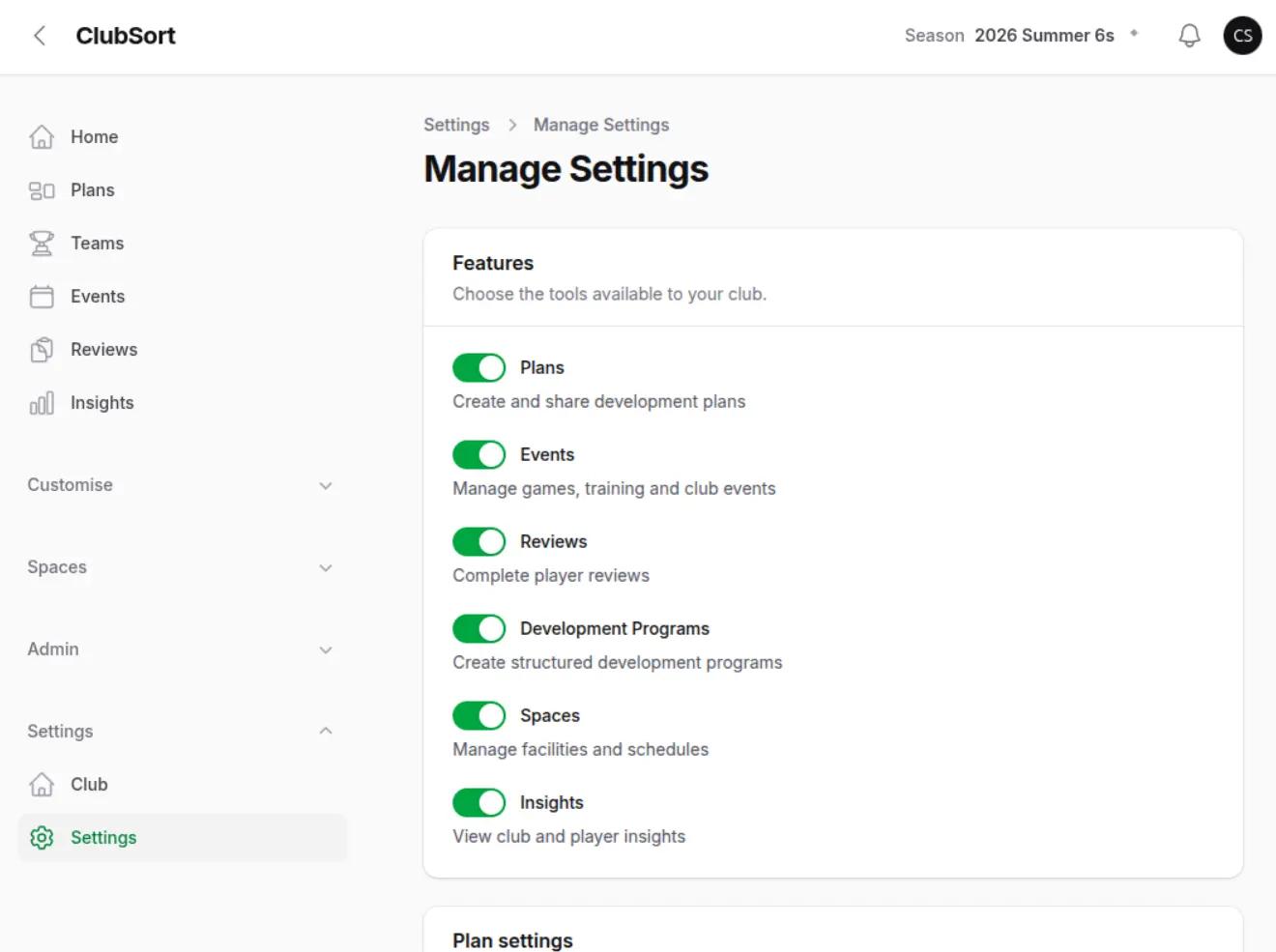
Show: The Club settings and setup areas available to a Custodian.
Purpose: Give new Custodians a visual starting point for the ten-step setup.
Recommended order
- Confirm your Club access. Check the active Profile, Package and Club details before creating records.
- Review Club Settings. Confirm whether approval and phase workflows suit the Club. The defaults are suitable for many Clubs, so change them only when you understand the workflow they control.
- Create or confirm the Season. Give it a useful name, such as `2027`, and add dates when known. Select the Season from the Season selector after saving it. See Create a Season and Select a Season.
- Create the Age categories. New Clubs should create the categories needed for their competition structure. An Age is required when creating a Team.
- Create Teams. This is usually the first operational priority. Teams use the selected Season and must have an Age category, but they can be created before staff or Players are added. See Set up your first Team.
- Add staff and Players. Assign an operational staff member, then add Players and guardians as needed. See Add your first Players.
- Configure Spaces if you use them. Create the Space Types first, then Venues, Spaces, Training Areas and schedules. This can be deferred if the Club does not use the Spaces or Training Planner features. See Spaces, Schedules and the Training Planner.
- Review Phases and Themes. Keep the supplied values or tailor them to the Club's coaching language before building Plans. See Session Plans.
- Add Tasks if needed. Create custom Tasks only when the Club needs its own event task categories; they are not required for Team setup.
- Set up Review Periods if you use Reviews. Select the target Season first, then create the periods and publish them when ready. Review Periods are seasonal and can be configured after Teams are in place. See Organise Review Periods by Season.
What is required before creating a Team?
You need an active Package, a writable Club, a selected Season and at least one Age category. Space Types, Spaces, Phases, Themes, Tasks and Review Periods are optional or workflow-specific and do not need to delay the first Teams.
Why are Spaces and Review Periods later?
Space Types are only needed when the Club uses physical-space planning, and they should be created before the Spaces that use them. Review Periods belong to a selected Season and are only needed for the Club's Review process. Neither should block a Club from creating its initial Teams.