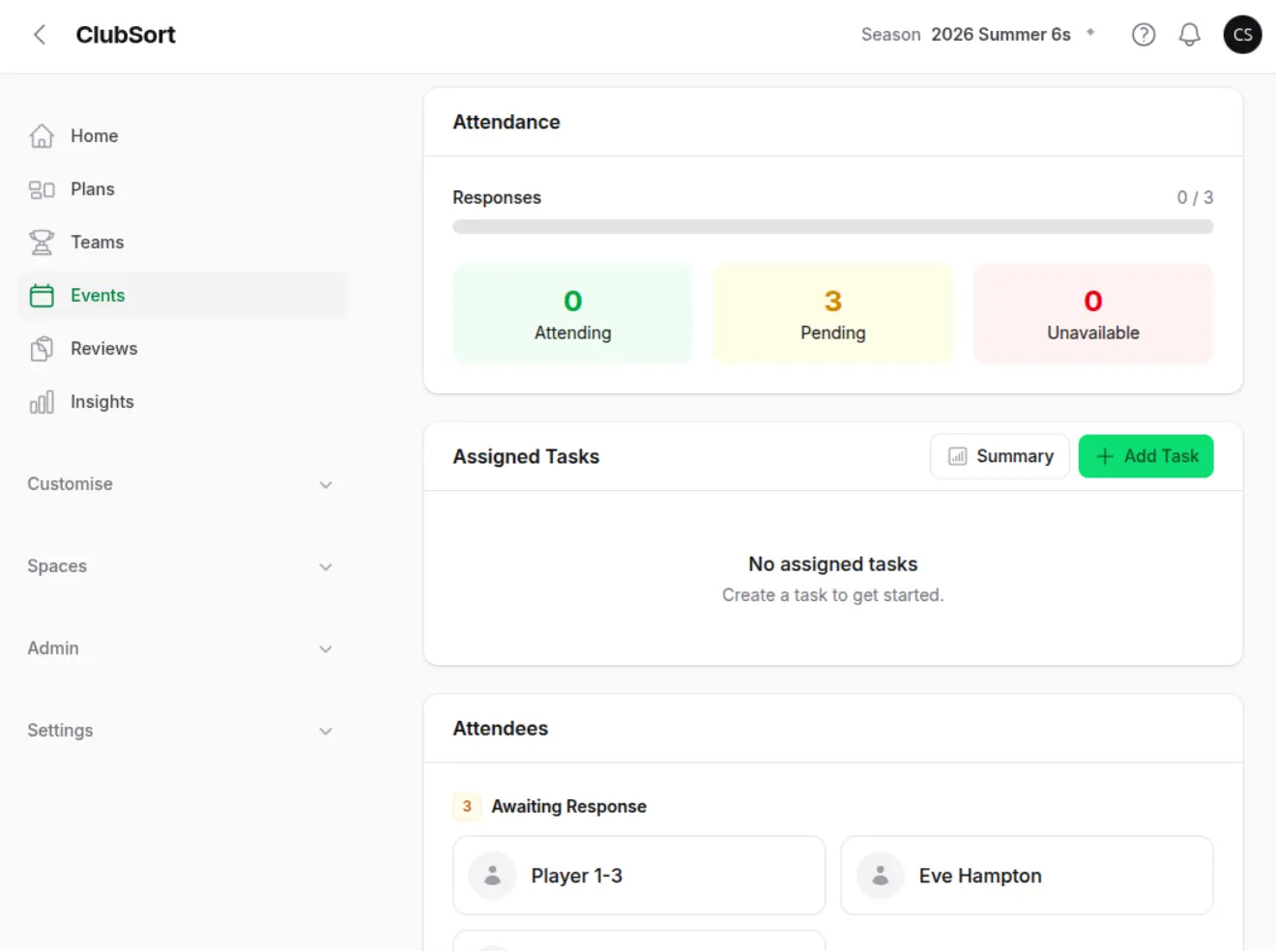
Screenshot
Create Event form
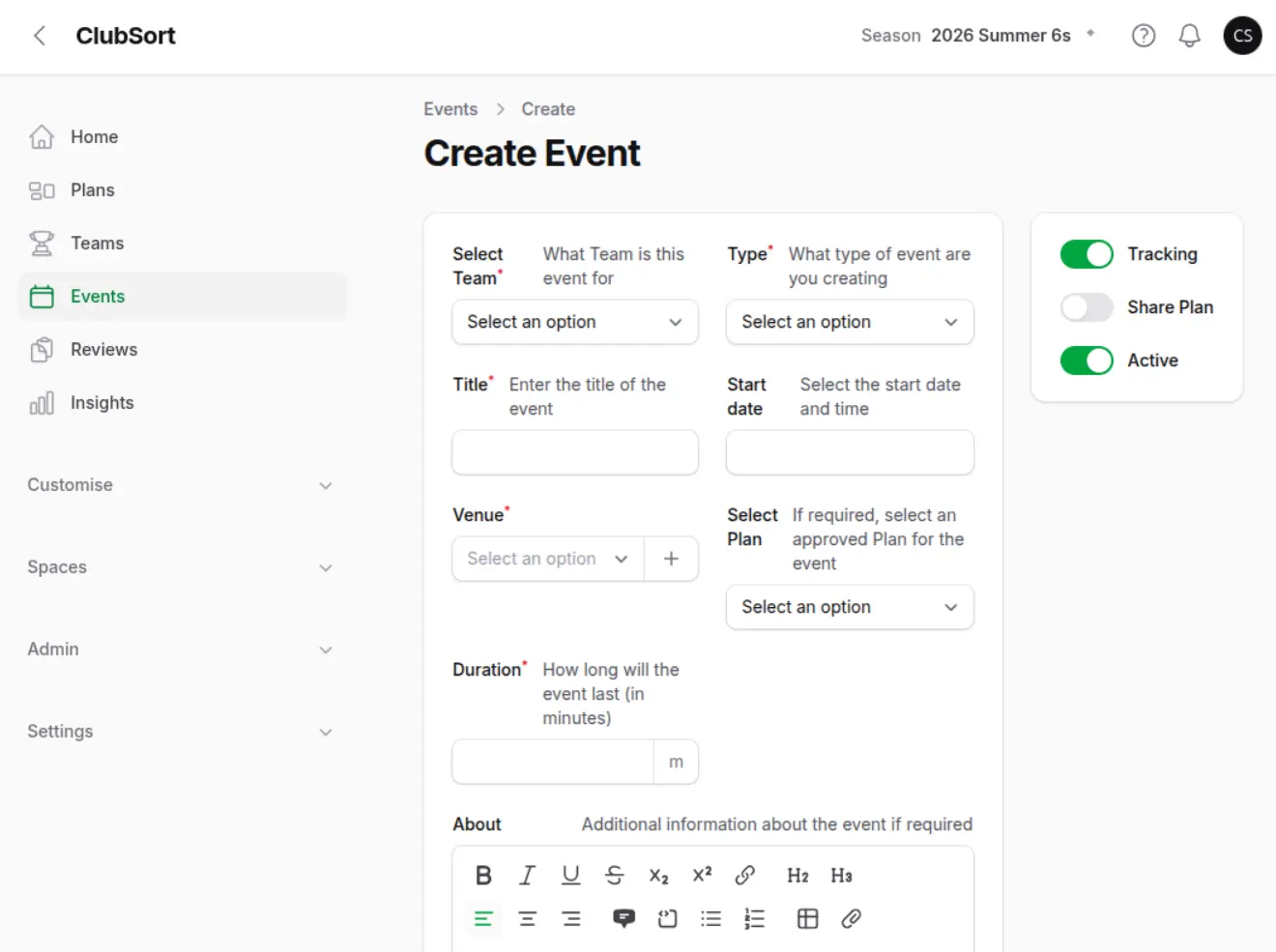
Show: The Create Event form with Team, date, Venue, type, duration and Tracking fields.
Purpose: Show the core fields required before saving an Event.
Who can do this?
Coaches, Managers, Directors and Custodians with Event management access.
Before you start
You need a Team, a date and time, a Venue, a duration and an Event type. You can optionally attach an approved Plan. Tracking must be enabled in the Club for Attendance controls to appear.
How to do it
- Open Events.
- Select Create Event.
- Enter the Event title and start date.
- Select or create a Venue.
- Choose the Event Type.
- Select the Team.
- Enter the duration in minutes.
- Select an approved Plan if the Event uses one.
- Enable Tracking when you need Attendance or Game tracking.
- Enable Share Plan where the Event should share the selected Plan.
- Save the Event.
- The Event appears in the Events list and becomes visible to eligible Team users. If Tracking is enabled, you can manage Attendance. A Game Event can be opened in Game Tracker.
Attendance and Game Tracker are separate workflows. A Game Event can use Attendance without using Game Tracker, so clubs can record who attended even when they do not need live match statistics.